
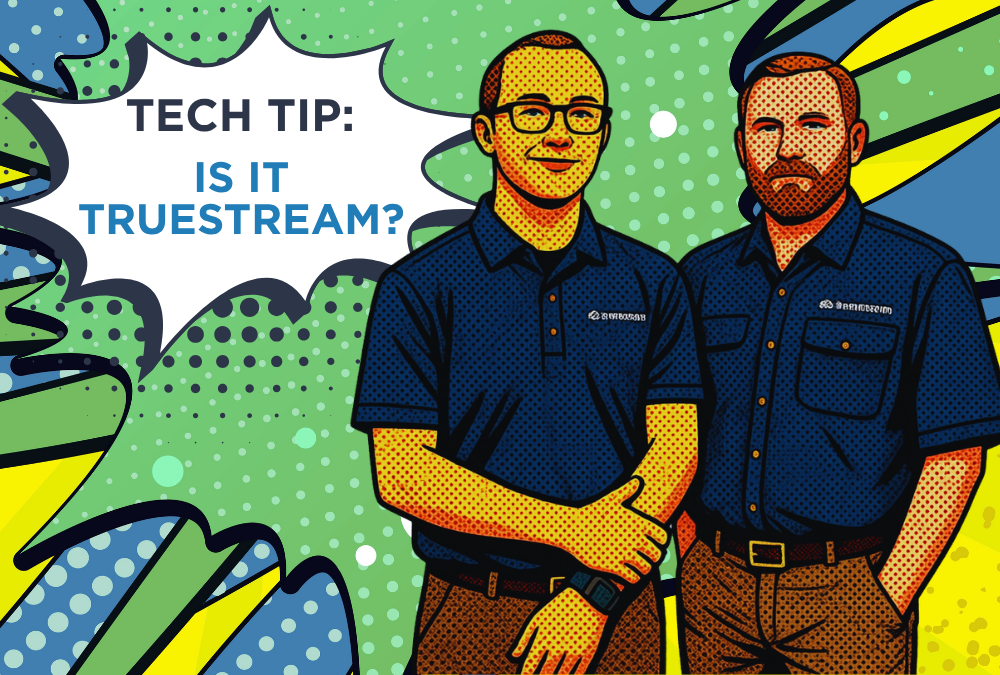
Last month, we introduced you to our in-house Dynamic Tech Duo, Les & David. This month, we’re tackling one of the most common questions they hear:
“Is the issue my Truestream, or is it my device?”

Your streaming app seems slower than normal
If Netflix is buffering, but YouTube and other apps work normally, the issue is likely with the app itself, not your internet connection.
- Try another app or a different streaming service.
- Open the streaming service or app on another device, like your phone or tablet.
- Check if other online activities are working normally.
If everything else works: The issue is probably limited to that specific app or device.
Les & David’s Recommendation:
Restart the slow device. A reboot can work like magic.

Multiple devices are having problems
You have checked several devices and apps, and they are all slow, buffering, or unable to connect.
Les & David’s Recommendation:
Restart your Truestream equipment.
- Unplug your router.
- Wait about 30 seconds.
- Plug it back in.
- Allow several minutes for the lights to return to normal.
Once the router has fully restarted, check your devices again.
Quick Troubleshooting Checklist
Before calling tech support, ask yourself:
☐ Is the issue happening on one device or all devices?
☐ Have I tried another app?
☐ Have I restarted the device?
☐ Have I restarted my router?